
You post a Reel for a new listing. It gets views, a few likes, maybe even a comment from another agent. Then you stare at the numbers and wonder what any of it means for your business.
That’s where most agents get stuck. They’re creating content, but they’re not reading the signals Instagram is already giving them. Good instagram reels analytics don’t just tell you whether a video was “good.” They tell you whether your content is attracting strangers, building authority, and nudging the right people toward a profile visit, a DM, or an inquiry.
For real estate, that matters more than vanity metrics ever will. A Reel that sends the right buyer to your profile is worth far more than one that racks up passive views from people who will never hire you.
Table of Contents
- Why Your Reels Analytics Are a Goldmine for Leads
- How to Find Your Instagram Reels Analytics
- Decoding the Most Important Reels Metrics
- Translating Data into a Real Estate Content Strategy
- Simple Tests to Optimize Your Reels for More Engagement
- Your Weekly Analytics Routine and Content Templates
Why Your Reels Analytics Are a Goldmine for Leads
Most agents don’t need more content ideas. They need a better way to tell which content is moving people closer to becoming clients.
That’s why instagram reels analytics matter so much. Reels already get more distribution than static content. According to Instagram Reels analytics data summarized here, Reels generate 22% more engagement than regular posts and reach 2.5x more accounts than photo posts, and 50% of all Instagram time is spent watching Reels. If you’re serious about visibility, this format isn’t optional.
The bigger opportunity is what happens after that reach. Analytics help you separate empty activity from real traction. One Reel might pull in broad awareness. Another might lead to profile visits from local buyers. Another might get saved because it answers a question sellers are already asking.
Practical rule: Stop asking, “Did this Reel do well?” Start asking, “What kind of response did it create?”
That shift changes everything. Instead of posting blindly, you start seeing patterns:
- Educational Reels often reveal what your market wants to learn.
- Listing videos show whether your presentation style keeps people watching.
- Local lifestyle content tells you if you’re attracting new people beyond your current audience.
- Proof content like just listed or just sold posts can show whether your brand is building trust.
If your goal is more conversations, more profile visits, and more local recognition, your analytics are the map. They tell you what to repeat, what to tighten, and what to drop.
Agents who want a stronger system for turning Instagram visibility into inquiries should also read this guide on getting real estate leads from Instagram. It pairs well with the numbers you’re reviewing inside Reels insights.
Why this matters more in real estate
A restaurant can get away with broad entertainment. A real estate agent usually can’t. Your content needs to attract attention and qualify interest.
That means your analytics are doing two jobs at once. They show you whether the algorithm is distributing your content, and they show you whether actual humans are leaning in. Those are not always the same thing.
A Reel with fewer views but stronger intent signals can be the better business asset.
That’s the mindset to bring into every metric you review.
How to Find Your Instagram Reels Analytics
Finding the data is easier than most agents think. The main problem isn’t access. It’s knowing where to tap and which screen gives you the right level of detail.
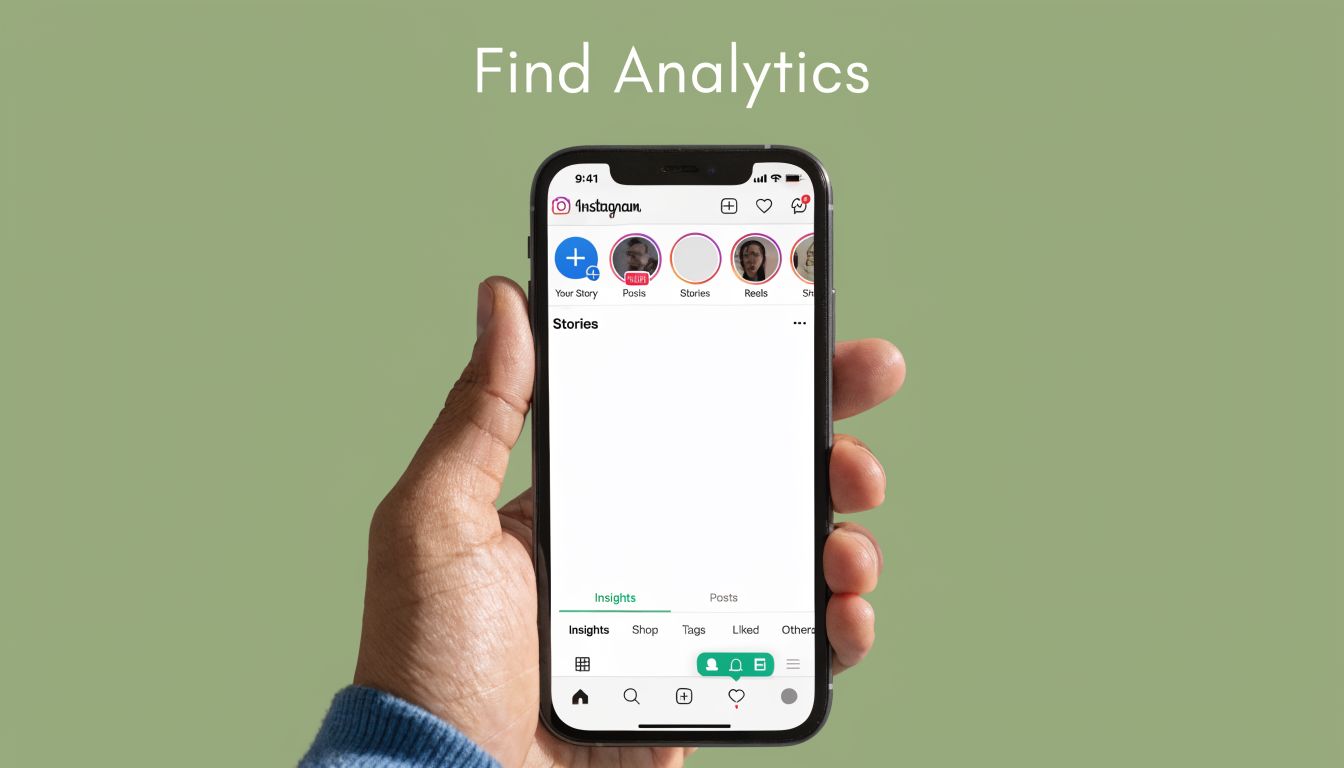
Check analytics inside the Instagram app
If you want to review one Reel at a time, use the mobile app. That’s the fastest option when you’re posting on the go.
For a single Reel:
- Open your profile and tap the Reel you want to review.
- Tap the three dots on the Reel.
- Select View Insights.
- Review the key metrics shown for that specific video, including views, reach, watch-related data, and engagement actions.
If you want your broader account view:
- Go to your profile
- Tap the professional dashboard or insights area
- Open your content analytics
- Filter to Reels so you’re not mixing feed posts and video performance together
This is also a good time to make sure you understand the format itself. If you need a quick primer, this overview of what Instagram Reels are is a useful refresh.
Use desktop tools when you want a wider view
Mobile is fine for quick checks. Desktop is better when you want to compare posts, scan patterns, and look at multiple Reels without feeling rushed.
A simple workflow on desktop looks like this:
| Where to check | Best use |
|---|---|
| Meta Business Suite | Review content performance across a wider date range |
| Professional dashboard | Quick account-level review inside Instagram-connected tools |
| Manual spreadsheet export | Track patterns across multiple Reels over time |
Use desktop when you’re asking bigger questions. Which content style is producing the most saves? Which hook keeps people watching longer? Which Reels drive profile activity instead of passive scrolling?
After you’ve found the data once, it gets much faster. Most agents can review a Reel in under a minute.
Here’s a quick walkthrough if you want to see the process in action:
Don’t overcomplicate this step. You don’t need a fancy dashboard to start making better decisions. You just need to look at the same metrics consistently.
Decoding the Most Important Reels Metrics
The mistake I see most often is treating every number as equally important. They’re not.
Some metrics tell you your Reel got exposed. Others tell you people cared. Others hint that someone may be moving toward a business decision. For agents, that distinction matters.

The metrics that actually matter
Start with these core categories.
Views or plays
This tells you your Reel started playing. It’s useful for spotting broad interest, but on its own it’s a weak business metric. High views can come from weakly qualified traffic.Accounts reached
Reach shows how many unique accounts saw the Reel. For real estate, this is more useful than raw play count when you’re trying to gauge discovery.Watch time
Watch time helps you understand whether your content kept attention. People don’t hire the agent whose content they skip instantly.Audience retention
Retention shows where people stayed engaged and where they dropped off. This is one of the clearest indicators of whether your hook and pacing are working.Likes and comments
These still matter, but they’re not the full story. A Reel can collect likes and still fail to drive meaningful next steps.Saves and shares
These are often much stronger signs of value. Saves usually mean someone wants to revisit the information. Shares suggest the content was useful enough to pass along.Profile visits and follows
For an agent, this is often where business relevance starts to show up. If a Reel pushes someone to your profile, it’s doing more than entertaining.
The metric most agents overlook
There’s one metric I’d encourage every agent to calculate manually when reviewing instagram reels analytics: save-to-reach ratio.
According to this analysis of Instagram Reels analytics, the save-to-reach ratio is Instagram’s most reliable indicator of evergreen content value, and a ratio of 2% or higher signals highly valuable content. That’s a far better clue than views alone if you’re trying to identify content worth repeating.
Here’s the basic formula:
| Metric | How to calculate it | What it suggests |
|---|---|---|
| Save-to-reach ratio | Saves divided by reach | Whether people found the Reel valuable enough to keep |
Why this matters in real estate:
- A buyer tips Reel with modest views but strong saves is probably answering a real question.
- A market update Reel with strong saves may be building trust and authority.
- A listing Reel with weak saves but lots of passive views may be visually interesting, but not especially useful.
Key takeaway: If people save your Reel, they’re telling Instagram that your content has lasting value.
That’s the kind of signal worth chasing. Not because it looks impressive in a screenshot, but because it usually aligns with the content people come back to when they’re closer to taking action.
Translating Data into a Real Estate Content Strategy
Generic advice falls apart fast in real estate because not every Reel has the same job.
A property tour is trying to create desire and hold attention. A market update is trying to build trust. A neighborhood Reel may be aimed at discovery. A buyer education Reel is often trying to earn saves and profile visits. If you judge all of them by the same metric, you’ll make the wrong decisions.

A listing tour and a market update should not be judged the same way
Let’s make this practical.
A listing tour Reel should usually be evaluated through attention and curiosity. Did people keep watching? Did they visit your profile afterward? Did they send it to someone else? If not, the issue may be the opening shot, the pacing, or the fact that the Reel focused on room-by-room footage without a clear reason to keep watching.
A market update Reel should usually be judged more by saves, shares, and profile activity. That kind of content works best when it helps someone make sense of what’s happening locally. If people save it, that’s often a signal that the information felt useful, not disposable.
A buyer or seller education Reel should usually be judged by saves first and comments or DMs second. Content like “3 mistakes first-time buyers make” or “what sellers should fix before photos” often performs better than agents expect, as it solves a problem.
A local lifestyle Reel should often be judged by reach beyond your existing audience. These videos can pull in people who don’t know you yet but care about the area.
According to this breakdown of Reels analytics gaps, tracking Profile Visits from a Reel is an underrated predictor for lead intent, and a high reach-to-follower ratio indicates your content is attracting new buyers beyond your existing network. That’s especially relevant for solo agents trying to turn visibility into actual conversations.
How to read intent instead of just attention
Use this lens when you review your content:
High reach, low profile visits
Your Reel was visible, but it didn’t make people curious enough about you.Lower reach, strong saves
Your Reel may have hit a smaller audience, but the message likely had real value.Strong profile visits from a proof Reel
Your branding and credibility content may be doing its job.Shares on myth-busting or educational content
You’re probably creating content people think others need to see.
Here’s a simple way to classify your Reels:
| Reel type | Best signal to watch |
|---|---|
| Listing tour | Retention and profile visits |
| Market update | Saves and shares |
| Buyer education | Saves and DMs/comments |
| Neighborhood spotlight | Reach beyond current audience |
| Just sold or social proof | Profile visits |
If you only track views, you’ll miss the difference between attention and intent.
That’s the core strategic shift. Real estate content shouldn’t just be interesting. It should move people one step closer to trusting you with a transaction.
Simple Tests to Optimize Your Reels for More Engagement
Most agents don’t need a complete content overhaul. They need a few disciplined tests.
The fastest way to improve Reel performance is to stop changing everything at once. Keep the topic the same and test one variable. That might be the opening line, the first visual, the Reel length, or the call to action.

Start with the first few seconds
Your retention chart is one of the clearest tools inside instagram reels analytics.
According to this guide to Instagram Reels retention analysis, a sharp drop in the first 3 to 5 seconds indicates a weak hook. The same source notes that a well-paced 45-second Reel can achieve over 60% completion if the hook is strong, while a poorly structured 15-second clip may fail to keep even 35% of viewers.
That should change how you script.
A lot of agents open with things like:
- “Just listed in…”
- “Here’s a new property I wanted to show you…”
- “Today I’m going to talk about…”
Those openings are usually too slow. They don’t create curiosity fast enough.
Try stronger openings instead:
- “The biggest mistake sellers make before listing is this.”
- “Would you buy the house with this kitchen?”
- “Most buyers in this area miss this one cost.”
- “This home looks normal from the outside. Wait until you see the back.”
Practical advice: If people leave in the first few seconds, don’t reshoot the whole Reel first. Rewrite the hook.
Run small tests, not complete overhauls
A simple weekly testing framework works well for busy agents.
Test one hook against another
Post two Reels on similar topics over time and change only the opener. For a neighborhood Reel, test a question-based hook against a statement-based one.
Test one CTA at a time
On a market update, compare “DM me for the full breakdown” with “Comment MARKET and I’ll send it over.” Different calls to action create different kinds of engagement.
Test pacing
If viewers drop after your intro, tighten your cuts. Remove any slow setup. Show the best visual earlier.
Test format by content type
A listing tour may need movement and visual payoff. A buyer education Reel may work better with talking head delivery, on-screen text, and a tighter structure.
A lot of agents also benefit from a repeatable creative system. If you want stronger hook ideas and more structured Reel planning, these Reel Rules frameworks are a smart reference.
Here’s a simple review grid:
| What you notice | Likely issue | What to test next |
|---|---|---|
| Fast drop at the start | Weak hook | Rewrite opening line and first shot |
| People watch but don’t act | Weak CTA | Change the prompt at the end |
| Good saves, modest reach | Strong value, limited distribution | Improve packaging and opening |
| High reach, weak retention | Broad click, low relevance | Align hook with actual content |
The goal isn’t perfection. It’s iteration. One stronger hook or cleaner CTA can make a Reel far more useful to your business.
Your Weekly Analytics Routine and Content Templates
Analytics only help if you turn them into a repeatable habit. Otherwise, you’re just checking numbers after posting and hoping for a different result next week.
A simple weekly review process
Keep this routine short. Open your Reels insights once a week and review your recent videos side by side.
Use this sequence:
- Pick your last batch of Reels and look for patterns, not one-off surprises.
- Identify one Reel that earned attention and one that earned stronger intent.
- Look at watch behavior first if the Reel was meant to hold attention.
- Look at saves, shares, and profile activity if the Reel was meant to educate or convert.
- Write down one repeatable insight before you close the app.
That last step matters. If you don’t name the lesson, you won’t apply it.
A useful review note sounds like this: “Short buyer-tip Reels with a direct opening get more saves than my polished listing montages.”
What to prioritize each week
Don’t try to optimize everything.
According to these Reels ranking insights, Instagram heavily weights watch time, likes-per-reach, and DM shares when ranking Reels. The same source says early engagement within the first hour can triple a Reel’s reach potential. That means your weekly improvements should focus on the parts of content that create immediate response.
Prioritize these in order:
- Stronger hooks because they improve watch behavior
- Clearer prompts because they increase comments, DMs, and shares
- Useful educational angles because people save what helps them
- Consistent packaging because repeatable structure is easier to improve than random creativity
What doesn’t work well is reinventing your entire style every week. Agents usually get better results by keeping a few proven content types in rotation and making small improvements to how those Reels open, flow, and end.
If you want social media to bring in business, not just fill a posting schedule, consistency needs structure. Templates help with that when they’re built around actual engagement signals instead of generic design trends.
If you want a faster way to create Reels, captions, emails, and lead-generating real estate marketing without building everything from scratch, join Restate Social. It’s a monthly marketing membership made for agents who want to show up consistently, save time, and turn visibility into client inquiries.
